
INR Support with UPI Payments
The app accepts Indian Rupees natively and supports UPI, PhonePe, and Paytm for deposits that process in under 5 minutes, eliminating foreign currency fees entirely.
Our experts have thoroughly tested the 1win mobile app on both Android and iOS devices to bring you an honest, detailed review. This guide covers everything India players need: a step-by-step installation walkthrough, working download links, and a full breakdown of the app’s features, bonuses, and payment options — all at no cost to you.
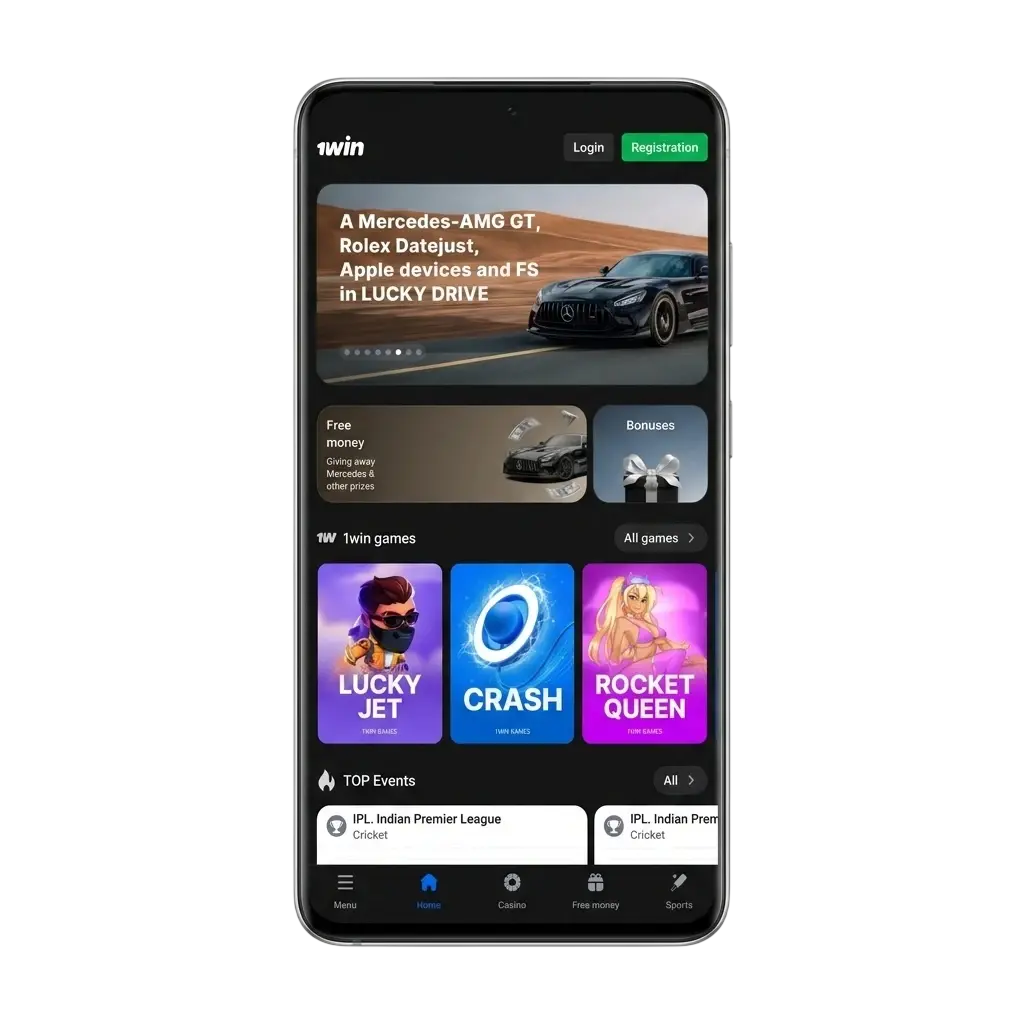
The 1win mobile app is completely free to download and install. It lets users place sports bets across dozens of disciplines, stream live events, play casino games, and manage their accounts entirely from a smartphone. The platform operates under a valid Curaçao eGaming licence (No. 8048/JAZ2018-040), confirming its legitimacy as an online betting operator for international players, including those in India.
The app uses a dark blue and grey colour scheme that keeps the interface clean and easy to read under all lighting conditions. Navigation is structured logically, with the sports lobby, live section, casino, and promotions all reachable within two taps from the home screen.
| Field | Details |
|---|---|
| App Developer | 1win NV |
| File Name | 1win.apk (Android) |
| Licence | Curaçao eGaming, No. 8048/JAZ2018-040 |
| Price | Free |
| Category | Sports Betting & Online Casino |
| Available Countries | India and 50+ other countries |
| Supported Currencies | INR, USD, EUR, and 20+ others |
| Supported Operating Systems | Android 5.0+, iOS 12.0+ |
The 1win app interface is organised around a persistent bottom navigation bar that keeps the most-used sections — Sports, Live, Casino, Promotions, and Account — within constant reach. The top navigation bar displays the current balance, currency selector, and quick access to the deposit page, so Indian users betting in INR can top up without leaving their current screen.
Main sections available on the platform include the sportsbook with LINE and LIVE markets, an online casino lobby covering slots and live dealer tables, a virtual sports section, TV Games, and an in-app promotions hub. Users can personalise the interface by adjusting notification preferences for match starts, odds changes, and bet settlement, and can enable a home screen shortcut for faster app access.
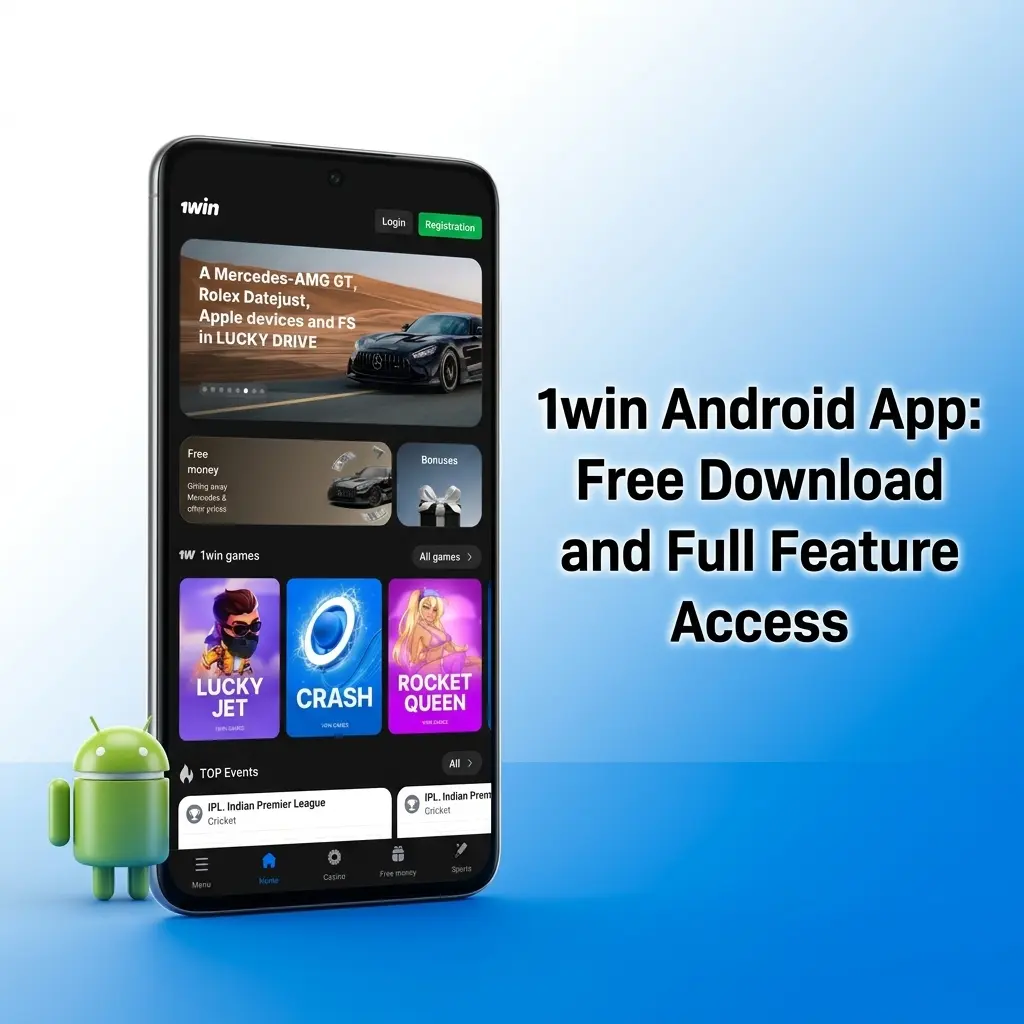
The 1win Android app is available at no cost and gives Indian bettors full access to the sportsbook, live betting markets, casino lobby, and payment tools from any Android smartphone or tablet. Detailed installation instructions are available in the download section above, covering every step from enabling unknown sources to completing setup in under three minutes.
Before downloading the 1win app, confirm your Android device meets the specifications listed below to ensure stable performance.
| Requirement | Minimum Specification |
|---|---|
| Android Version | 5.0 (Lollipop) or higher |
| RAM | 1 GB |
| Free Space | 100 MB |
| Processor | 1.2 GHz dual-core or equivalent |
The 1win app runs on a broad range of Android handsets, including the most widely used models across India.
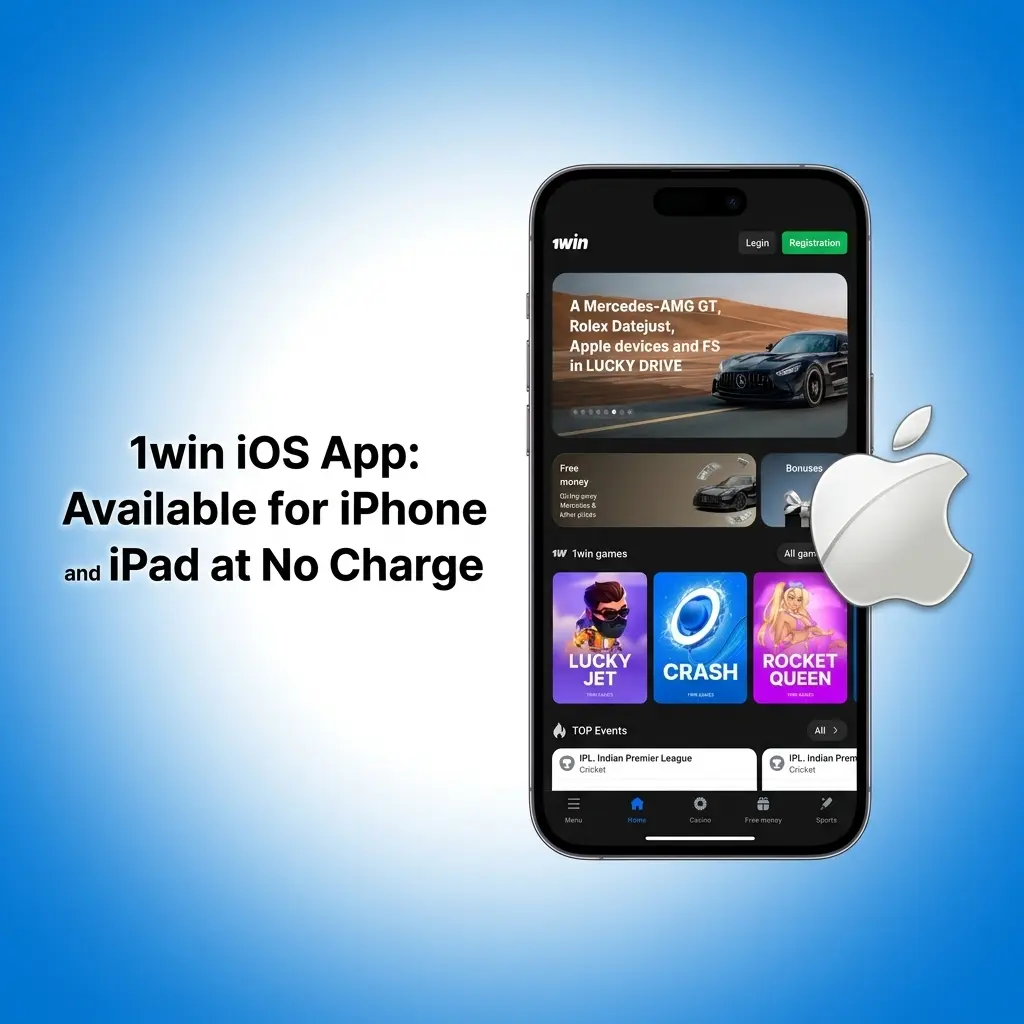
In addition to Android, the 1win betting app is fully available for iOS devices. The iOS version requires iOS 12.0 or later, runs on as little as 1 GB of RAM, and demands no more than 150 MB of free storage space. The app is free for all users. It delivers the complete 1win feature set — sportsbook, live betting, casino, banking, and customer support — without any content restrictions compared to the desktop website. The system requirements are covered in detail in the iOS specifications table below.
Your iOS device must satisfy the following minimum specifications for the 1win app to run without performance issues.
| Requirement | Minimum Specification |
|---|---|
| iOS Version | 12.0 or higher |
| RAM | 1 GB |
| Free Space | 150 MB |
| Processor | Apple A9 chip or newer |
The 1win iOS app has been tested and confirmed to run reliably across current iPhone and iPad generations.
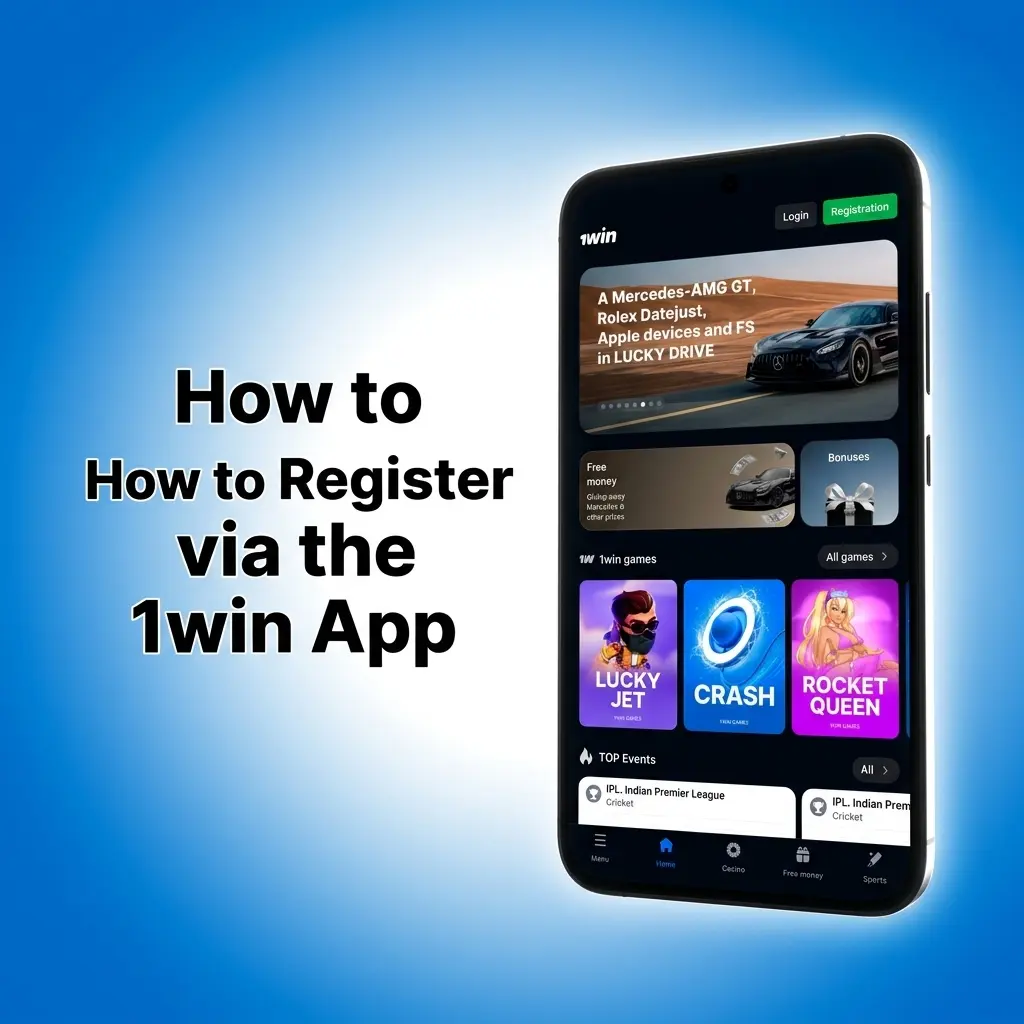
Creating a new 1win account through the mobile app takes less than two minutes and requires no complex documentation upfront.
Your account is ready immediately after registration. You can make a deposit via UPI, PhonePe, or Paytm and start placing bets straight away.
Keeping the 1win app updated ensures access to the latest features, security patches, and betting markets.
Android (APK) Update:
iOS Update:
Updating regularly prevents compatibility issues, keeps betting odds feeds current, and ensures payment processing functions without interruption.

New users who register and deposit through the 1win Android or iOS app are eligible for a 500% first deposit bonus of up to INR 1,80,000. This is among the largest welcome offers currently available to Indian bettors in the mobile segment. The bonus applies to the first deposit only and is split across sports betting and casino verticals based on the product selected during registration.
To claim the offer, select the welcome bonus during the registration step, complete your account setup, and make a qualifying deposit of at least INR 300. The bonus funds are credited automatically to your account within minutes of the deposit being confirmed. Wagering requirements apply — review the current bonus terms on the 1win platform before depositing.
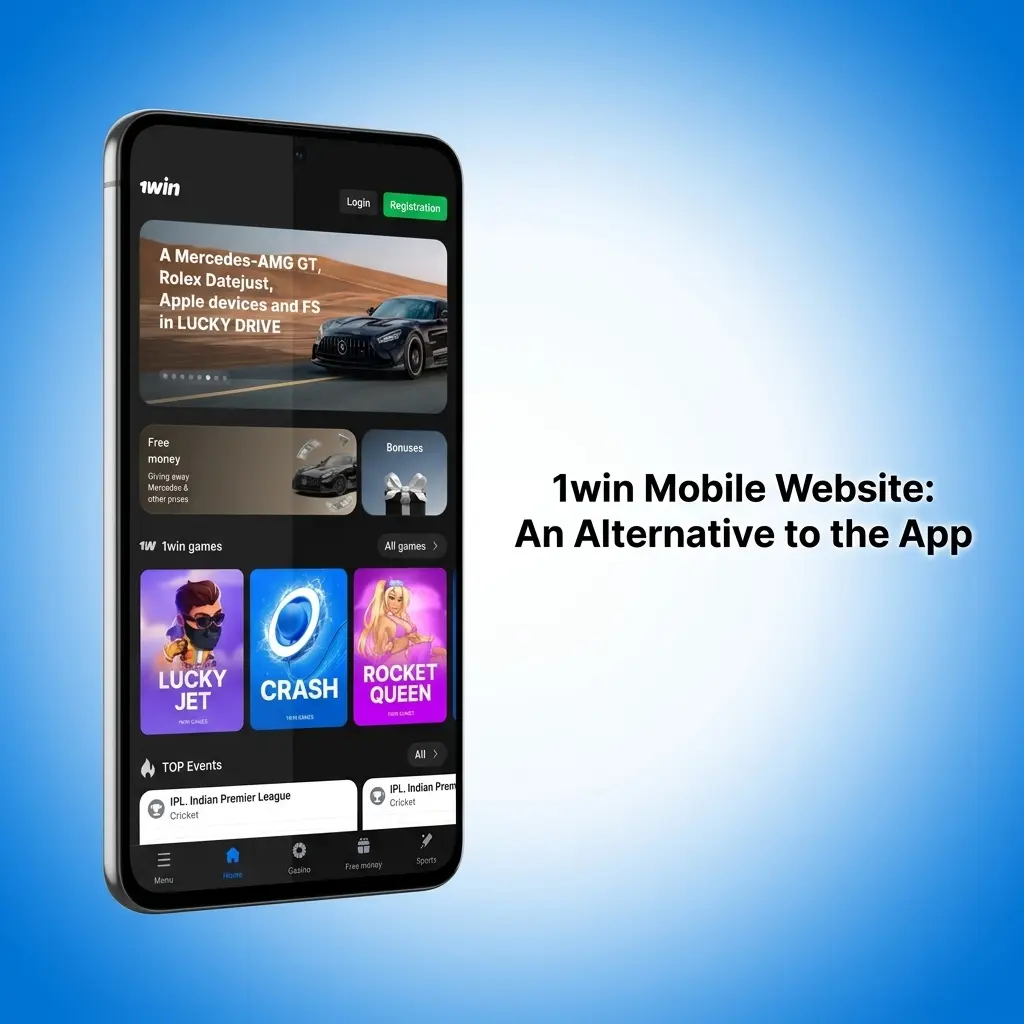
For users who prefer not to install an application, the 1win mobile website is accessible on any smartphone or tablet browser without a download. The mobile site delivers the same core services as the app: sports betting, live markets, casino games, deposits, withdrawals, and account management. It is fully optimised for Chrome and Safari on both Android and iOS devices.
The 1win mobile site covers all core features, but most users find the dedicated app faster and more reliable for active betting sessions.
| Feature | 1win App | 1win Mobile Site |
|---|---|---|
| Installation required | Yes (APK or App Store) | No |
| Push notifications | Yes | No |
| Loading speed | Faster (native code) | Dependent on browser and connection |
| Home screen access | One tap via app icon | Requires opening browser and navigating |
| Live streaming | Supported | Supported |
For Indian users who bet frequently on cricket and football matches, the app’s push notifications and faster load times during live events provide a clear advantage over the browser-based mobile site.

The 1win sportsbook covers over 40 sports disciplines and lists thousands of events daily across both the LINE (pre-match) and LIVE (in-play) sections. Indian users will find cricket markets particularly comprehensive, with coverage spanning the IPL, Ranji Trophy, international Test matches, T20Is, and major bilateral series. Football coverage includes the Premier League, UEFA Champions League, ISL, and La Liga, among others.
Available bet types include single bets, parlays, and system bets, with live odds updated in under one second during in-play events. The sportsbook also supports combo bets across multiple disciplines within a single slip.
Key sports available for betting in the app:
Each sport section provides per-discipline navigation with team and player statistics, head-to-head records, and live match streaming for eligible events. New users can apply the 500% welcome bonus to their first sportsbook deposit and immediately use it on live cricket or football markets.
Placing a bet in the 1win app is straightforward once your account is funded. The bet slip builder works identically in both LINE and LIVE modes, and odds are displayed in decimal format by default, with the option to switch to fractional or American formats in the settings. Indian users betting on cricket will find that market selections populate the slip within one tap on any listed match.
Winnings from settled bets are credited to your 1win wallet balance instantly after the event concludes. Funds can be withdrawn via the same payment method used for the deposit.
The 1win app combines features that make a measurable difference for Indian bettors on a daily basis.
The app accepts Indian Rupees natively and supports UPI, PhonePe, and Paytm for deposits that process in under 5 minutes, eliminating foreign currency fees entirely.
Eligible IPL, international T20, and Test match events can be streamed directly inside the app, so users can watch and bet without switching platforms.
New users receive one of the highest first-deposit bonus rates available in the Indian market, credited automatically after the first qualifying deposit.
The sportsbook covers over 40 disciplines including Pro Kabaddi League and IPL, with live odds refreshed in under one second during active events.
Indian users can start betting with a modest entry amount, making the platform accessible to both casual and regular bettors.
The 1win app supports multiple payment options tailored for Indian users, with transactions processed directly in INR. Deposits via UPI, PhonePe, and Paytm are the fastest available methods, credited to the betting account in 1 to 5 minutes. Net banking deposits typically take up to 1 hour. Cryptocurrency deposits — including USDT, Bitcoin, and Ethereum — are also accepted and credited almost instantly in most cases.
The minimum deposit amount is INR 300. The minimum withdrawal amount is INR 500. Withdrawal requests are processed within 24 hours by the operator, though bank transfer payouts may take up to 5 business days depending on the user’s financial institution. Crypto withdrawals are generally completed faster, often within 1 hour.
| Method | Type | Processing Time | Min Amount |
|---|---|---|---|
| UPI | Deposit and Withdrawal | 1-5 minutes | INR 300 (deposit) |
| PhonePe | Deposit and Withdrawal | 1-5 minutes | INR 300 (deposit) |
| Paytm | Deposit and Withdrawal | 1-5 minutes | INR 300 (deposit) |
| Net Banking | Deposit | Up to 1 hour | INR 300 |
| Cryptocurrency (USDT, BTC, ETH) | Deposit and Withdrawal | Up to 1 hour | Varies by coin |
Yes, the 1win APK is safe to download. The operator holds a valid Curaçao eGaming licence (No. 8048/JAZ2018-040), issued by the Curaçao Gaming Control Board, confirming it is a licensed and regulated betting platform. The APK file is distributed exclusively through the official 1win website, which means it has not been altered or bundled with third-party software. The platform uses 256-bit SSL encryption across all data transfers, protecting personal and financial information during account registration, deposits, and withdrawals. Two-factor authentication is also available for users who want an additional layer of account security.
The 1win support team operates around the clock, every day of the year, and is equipped to handle account issues, payment queries, and technical problems without long wait times. Our team received a response via live chat in under 3 minutes during testing.
Available contact methods for India users:
After thorough testing across Android and iOS devices, our team found the 1win app to be a capable and well-structured betting platform for Indian users. The sportsbook depth — particularly for cricket, including IPL and international formats — is a clear strong point, as is the integration of UPI, PhonePe, and Paytm for fast INR transactions. The 500% welcome bonus up to INR 1,80,000 is genuinely competitive and one of the higher offers in the Indian mobile betting market.
On the downside, Android users must manually enable installation from unknown sources due to the APK-only distribution model, and bank transfer withdrawals can take up to 5 business days. The KYC verification requirement before first withdrawal adds a step that some users may find time-consuming.
Overall, the 1win betting app delivers reliable performance, full feature access, and INR-native payment support that make it a strong option for Indian bettors looking for a mobile-first sportsbook experience.
Yes. The 1win app is completely free to download on both Android (via APK) and iOS. There are no subscription fees or charges associated with the installation.
Go to Settings, open Security or Privacy, and toggle on “Install apps from unknown sources” or grant permission to your browser app. This step is required only for the initial APK installation.
The minimum deposit is INR 300. UPI, PhonePe, and Paytm deposits are credited to your account within 1 to 5 minutes.
Yes. The 1win sportsbook covers IPL fixtures in both pre-match (LINE) and in-play (LIVE) modes, with single, parlay, and system bet options available on each match.
Yes. Live streaming is available inside the app for eligible cricket, football, tennis, and other events. An active account balance is required to access the stream for most events.
Updated: